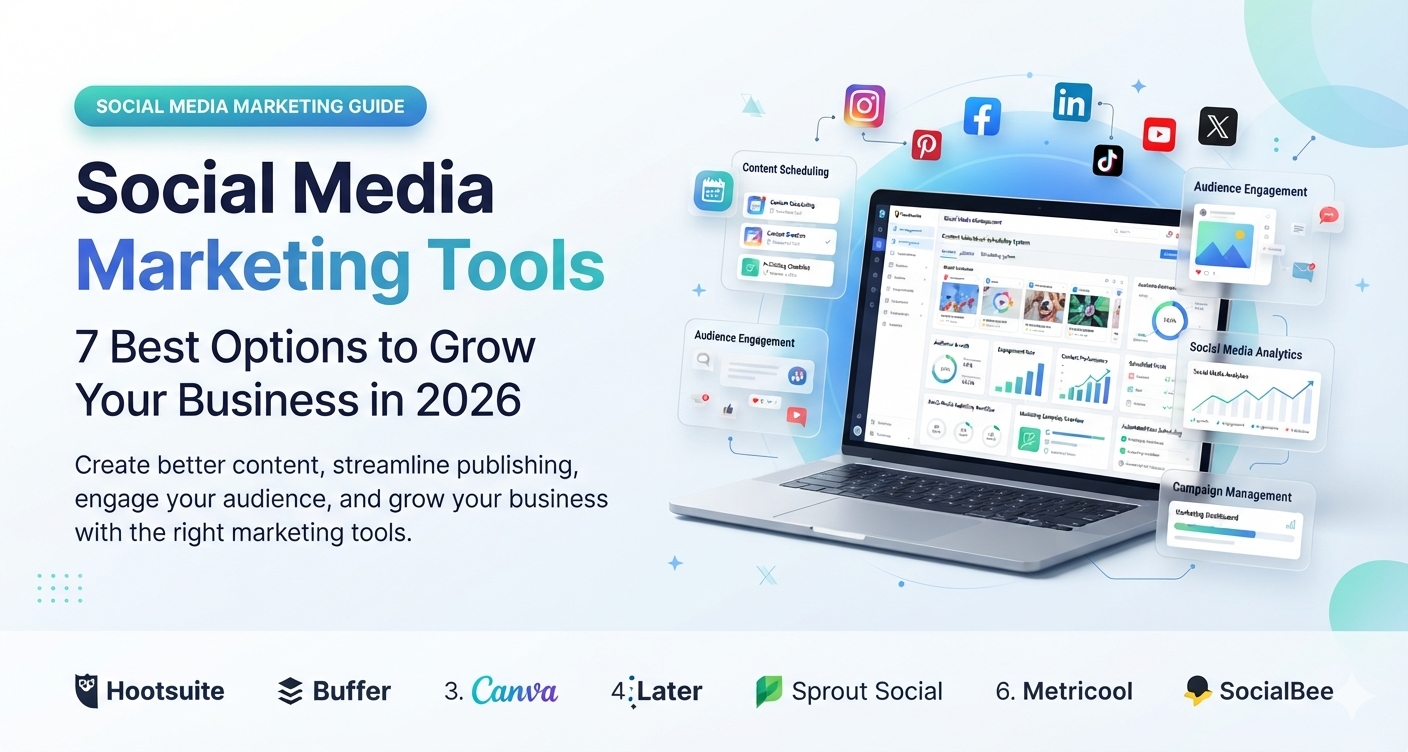
Social Media Marketing Tools: 7 Best Options to Grow Your Business in 2026
Introduction
Managing social media can quickly become a full-time job. You need to plan content, create graphics, write captions, publish posts, respond to comments, and figure out whether your efforts are actually bringing results.
That is where social media marketing tools can help. They bring important tasks into one workflow, making it easier to maintain a consistent presence without spending every day switching between platforms.
Whether you run a small business, manage client accounts, or promote a website, the right software can help you save time and make better marketing decisions.
In this guide, you’ll learn what social media marketing tools are, compare seven popular options for 2026, understand their main benefits, and discover how to choose the right platform for your budget and goals.
1. What Are Social Media Marketing Tools?
Social media marketing tools are software applications that help businesses and creators plan, create, publish, manage, and measure content across social media platforms.
Depending on the product, these tools may include post scheduling, graphic design, analytics, social listening, audience engagement, and team collaboration features.
For example, a small US-based ecommerce business could use Canva to design product graphics, Buffer to schedule posts, and Metricool to review performance. Instead of managing every task separately, the business can build a more organized marketing process.
Common Types of Social Media Marketing Tools
- Social media management tools: Schedule and manage posts across multiple accounts.
- Content creation tools: Design graphics, videos, and other social content.
- Analytics tools: Measure reach, engagement, clicks, and other performance indicators.
- Social listening tools: Monitor brand mentions, industry conversations, and relevant keywords.
- Team collaboration tools: Help marketing teams review content, manage approvals, and coordinate publishing.
Not every business needs all these features. A solo blogger may only need scheduling and design software, while an agency managing several clients may need reporting, collaboration, and approval workflows.
2. Best Social Media Marketing Tools in 2026
The best platform depends on your marketing goals, the networks you use, and how much time you want to spend managing content. Here are seven options worth comparing.
1. Buffer — Best for Simple Social Media Scheduling
Buffer is a social media management platform designed to help users plan and publish content across supported social networks. Its straightforward workflow can suit creators and small businesses that want to organize posts without adopting a complex marketing system.
Key features:
- Social media post scheduling.
- Content planning and publishing.
- Engagement and performance insights.
- Tools for organizing social content.
Best for: Bloggers, freelancers, creators, and small businesses.
Potential drawback: Businesses needing advanced social listening, extensive team workflows, or detailed enterprise reporting may need a more specialized platform.
Practical example: A software blog could prepare a week’s worth of posts promoting new articles and schedule them ahead of time rather than publishing manually every day.
2. Hootsuite — Best for Managing Multiple Accounts
Hootsuite offers social media management features for businesses and teams that need to coordinate activity across multiple accounts. Depending on the plan, users can access publishing, monitoring, analytics, and collaboration capabilities.
Key features:
- Multi-account management.
- Content scheduling.
- Social media monitoring features.
- Reporting and performance analysis.
- Team collaboration options.
Best for: Businesses and marketing teams managing several social profiles.
Potential drawback: Pricing and feature availability may be less suitable for someone who only needs basic scheduling. Review the current plans before choosing it.
3. Sprout Social — Best for Analytics and Customer Engagement
Sprout Social combines social media management with analytics and customer engagement features. It can help teams organize incoming messages, understand audience interactions, and report on marketing performance.
Key features:
- Social publishing and scheduling.
- Engagement management.
- Analytics and reporting.
- Social listening capabilities on supported plans.
- Team workflows.
Best for: Established businesses, larger marketing teams, and organizations that prioritize reporting and customer interactions.
Potential drawback: It may be expensive for solo creators or very small businesses. Compare the cost with the amount of engagement and reporting work you actually need to manage.
4. Later — Best for Visual Content Planning
Later is worth considering if your marketing relies heavily on visual content. It offers social media planning and publishing features, with capabilities that depend on the supported network and plan.
Key features:
- Visual content planning.
- Post scheduling.
- Social media publishing workflows.
- Content organization.
- Analytics features on supported plans.
Best for: Creators, lifestyle brands, ecommerce businesses, and teams that plan image- or video-led campaigns.
Potential drawback: Publishing options vary across social platforms. Confirm that your preferred network and content formats are supported before committing.
5. Canva — Best for Social Media Graphics
Canva helps users create visual content without requiring advanced graphic design skills. You can use it to design promotional graphics, carousels, presentations, short-form video assets, and branded social posts.
Key features:
- Social media templates.
- Graphic and video design.
- Brand asset organization.
- AI-assisted design features where available.
- Content resizing and collaboration options.
Best for: Small businesses, bloggers, creators, and marketing teams that need consistent visual content.
Potential drawback: Canva is primarily a design platform, so it may not replace a dedicated social media management tool for complex scheduling, monitoring, or reporting needs.
6. Metricool — Best for Performance Tracking
Metricool combines social media planning with analytics and reporting features. It can help marketers review performance across supported platforms and organize their publishing activities.
Key features:
- Social media scheduling.
- Performance analytics.
- Reporting features.
- Content planning.
- Additional digital marketing measurement capabilities, depending on the plan.
Best for: Freelancers, agencies, creators, and businesses that want to connect publishing activity with performance measurement.
Potential drawback: The available metrics and integrations depend on the platform, account permissions, and subscription plan.
7. SocialBee — Best for Organized Content Publishing
SocialBee is a social media management platform that emphasizes content organization and publishing workflows. Its content categorization approach can help businesses maintain a balanced mix of posts.
Key features:
- Social media scheduling.
- Content organization by category.
- Publishing queues.
- Content recycling options.
- Collaboration features, depending on the plan.
Best for: Small businesses, consultants, and agencies that publish recurring content themes.
Potential drawback: Reusing evergreen content requires judgment. Update outdated information and avoid repeatedly publishing the same message without considering audience response.
3. How to Choose the Right Social Media Marketing Software
A long feature list does not necessarily mean a platform is right for your business. Focus on the tasks you need to complete regularly.
Start With Your Marketing Goal
If your main goal is to publish consistently, prioritize scheduling and content planning.
If you want to improve visual branding, a design platform such as Canva may be the best starting point.
If you manage customer messages and need performance reports, compare platforms with stronger engagement and analytics features.
Check Platform Compatibility
Make sure the tool supports the social networks you use, such as Instagram, Facebook, LinkedIn, TikTok, Pinterest, or YouTube.
Also check whether the platform supports your required post formats. Some networks have different publishing restrictions for short-form video, Stories, carousels, or other content types.
Compare Pricing and Team Features
Before subscribing, review account limits, scheduled-post allowances, user seats, reporting features, and any extra charges.
If you work with clients, check whether the software supports approval workflows and separate workspaces. These features can prevent mistakes and reduce time spent chasing feedback.
Test the Workflow Before Committing
Use a free plan or trial if available. Connect a test account, draft a post, schedule it, and review the analytics interface.
A tool that feels intuitive and fits your existing process is often more useful than one with dozens of features you rarely use.
4. How Social Media Marketing Tools Improve Results
The main benefit of social media software is not simply publishing more posts. It is helping you manage your time and make informed decisions.
Save Time Through Scheduling
Prepare several posts in one session and schedule them in advance. This reduces the need to interrupt other work whenever you want to publish an update.
Scheduling does not mean ignoring your accounts. You still need to respond to comments, answer customer questions, and react to important events.
Maintain a Consistent Brand
Use design templates, saved brand colors, and consistent messaging to make your content recognizable. Consistency should make your brand easier to identify, not make every post look identical.
Measure Meaningful Performance
Track metrics that match your objectives:
- Reach and impressions: Help you understand content visibility.
- Engagement: Shows how people interact with posts.
- Link clicks: Indicate whether content drives visitors to your website.
- Conversions: Help connect social activity to sign-ups, inquiries, or purchases.
- Audience growth: Shows how your community changes over time.
A post with fewer likes may still be valuable if it attracts relevant visitors or generates qualified leads. Choose metrics based on the outcome you want.
You may like: excel-accounting-software
5. Common Mistakes to Avoid
Using Too Many Tools
Subscribing to several overlapping platforms can increase costs and complicate your workflow. Start with one main management tool and add others only when they solve a specific problem.
Automating Without Reviewing Posts
Scheduled content can become outdated or inappropriate when circumstances change. Review upcoming posts, especially during major news events, product changes, or sensitive situations.
Ignoring Comments and Messages
Social media is a communication channel, not just a publishing calendar. Set aside time to respond to relevant questions and customer feedback.
Focusing Only on Vanity Metrics
Follower counts and likes can be useful indicators, but they do not always show business impact. Measure clicks, inquiries, sales, or other results that matter to your goals.
Forgetting Platform Rules
Social networks update their features, APIs, and publishing restrictions. Use supported integrations, follow platform policies, and check scheduled posts when a network changes its publishing requirements.
Frequently Asked Questions
What are social media marketing tools used for?
Social media marketing tools help businesses create content, schedule posts, manage interactions, monitor brand mentions, and measure campaign performance. The exact features depend on the platform.
Which social media marketing tool is best for beginners?
Buffer is worth considering for straightforward scheduling, while Canva is useful for creating graphics. Beginners should choose based on their main task and avoid paying for advanced features they do not need.
Are there free social media marketing tools?
Yes. Some platforms offer free plans or limited free features. Limits may apply to connected accounts, scheduled posts, analytics, or team access, so review the current plan details.
What is the difference between social media management and social media marketing?
Social media management focuses on day-to-day activities such as publishing posts and responding to messages. Social media marketing is broader and includes strategy, audience research, advertising, content planning, and measuring business outcomes.
Do small businesses need social media marketing software?
Not always, but it can help small businesses save time and organize content. A simple scheduling or design tool may be enough when managing a few accounts, while growing teams may benefit from analytics and collaboration features.
Conclusion
The best social media marketing tools help you plan content, publish consistently, understand your audience, and spend less time on repetitive tasks.
Buffer is a useful starting point for scheduling, Canva helps with visual content, Metricool supports performance tracking, and tools such as Hootsuite or Sprout Social may suit teams with broader management needs. Later and SocialBee are also worth comparing based on your content style and publishing workflow.
Your next step: Identify the biggest challenge in your current social media process—content creation, scheduling, engagement, or reporting. Test one tool that addresses that problem before adding more software to your marketing stack.