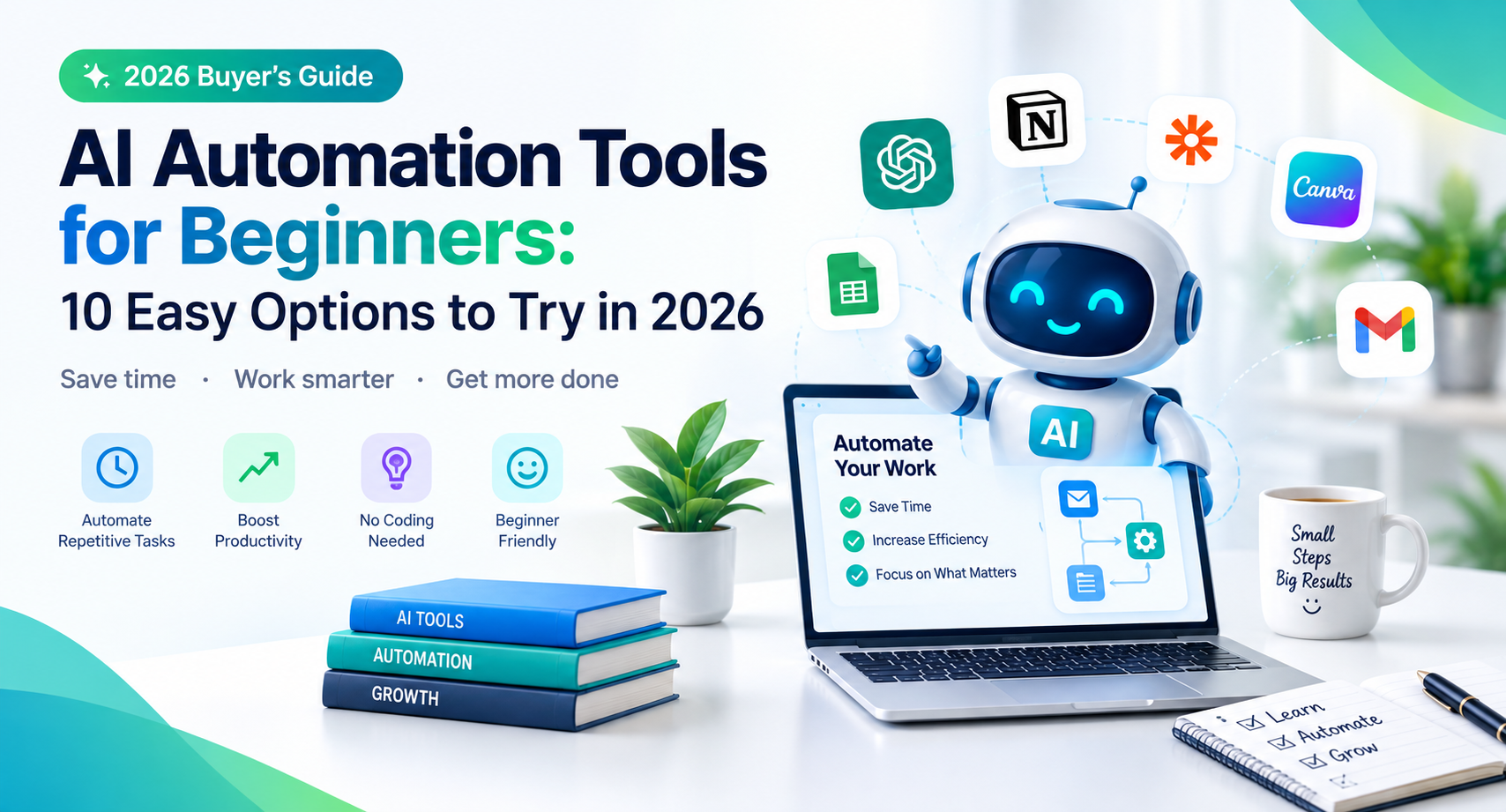
AI Automation Tools for Beginners: 10 Easy Options to Try in 2026
Introduction
AI automation tools for beginners imagine automatically organizing emails, turning form submissions into spreadsheets, summarizing documents, and scheduling routine tasks without doing everything manually. You do not need to be a programmer to get started. Many modern AI automation tools let beginners connect apps, create simple workflows, and reduce repetitive work with little or no coding.
The challenge is choosing the right tool. Some platforms focus on connecting apps, while others use AI to understand information, generate content, or make decisions within a workflow.
In this guide, you will discover the best AI automation tools for beginners, explore free AI automation tools, and learn how to build your first workflow safely and efficiently.
What Are AI Automation Tools?
AI automation tools are software applications that use artificial intelligence, workflow rules, or integrations to handle tasks that would otherwise require manual effort.
Traditional automation follows predefined instructions. For example, it might copy every new form submission into a spreadsheet. AI-powered automation can go further by classifying the submission, summarizing its contents, or identifying which department should receive it.
Common uses include:
- Organizing and summarizing emails
- Creating content drafts
- Moving information between applications
- Categorizing customer inquiries
- Extracting details from documents
- Generating reports and task summaries
- Automating repetitive administrative work
Do beginners need coding skills to use AI automation tools? No. Many platforms provide visual workflow builders, templates, and ready-made integrations. More advanced workflows may require technical knowledge, but you can start with simple tasks.
10 Best AI Automation Tools for Beginners in 2026
The following tools serve different purposes. Some connect applications, while others help you build AI-powered workflows or automate business processes. Free access and feature limits vary, so check each provider’s current plans before signing up.
1. Zapier — Best for Simple App Automation
Zapier connects supported applications and automates actions between them. Its visual workflow approach makes it useful for beginners who want to connect everyday business tools.
What you can automate:
- Send a notification when someone submits a form.
- Add new leads to a spreadsheet or CRM.
- Create tasks from incoming information.
- Connect supported AI services to other applications.
Example: When a potential customer completes a contact form, Zapier can add the information to a spreadsheet and notify your team.
Best for: Beginners who want to automate tasks across multiple apps without building a custom system.
2. Make — Best for Visual Workflows
Make provides a visual automation builder that lets users connect applications and design workflows using modules.
It is useful when you need to move information through several steps or add conditions to a process.
What you can automate:
- Process incoming form submissions
- Send information between supported apps
- Create multi-step workflows
- Connect AI services to business processes
Example: A new content idea could be added to a project board, processed into a draft outline using an AI integration, and assigned to a writer.
Best for: Beginners who want visual control over workflows and are comfortable learning a slightly more detailed interface.
3. n8n — Best for Flexible AI Workflows
n8n is a workflow automation platform that supports integrations and AI-related workflows. It offers flexibility for users who want more control over how their automations operate.
What you can automate:
- Connect APIs and business applications
- Process data through multiple steps
- Build AI-assisted workflows
- Add conditional logic to automated tasks
Example: A workflow could receive a support message, send its text to an AI model for classification, and route the result to an appropriate team.
Best for: Beginners who want to grow into more advanced automation.
Keep in mind: n8n can involve more setup than beginner-focused alternatives. Some deployments require technical configuration, and using external AI services may incur separate charges.
4. Microsoft Power Automate — Best for Microsoft 365 Users
Microsoft Power Automate helps users automate tasks across supported applications and services. It can be especially useful for organizations already working with Microsoft 365.
What you can automate:
- Notifications and approvals
- Repetitive data-entry processes
- Document-related workflows
- Tasks connecting supported Microsoft and third-party applications
Example: A team could create an approval workflow that notifies a manager when an employee submits a request.
Best for: Office workers and businesses that already rely on Microsoft tools.
5. IFTTT — Best for Simple Personal Automation
IFTTT connects supported apps, online services, and smart devices through simple automated rules.
It can be a convenient starting point for people who want to automate personal tasks rather than complex business operations.
What you can automate:
- Selected smart-home actions
- Notifications between supported services
- Simple social and productivity workflows
- Routine actions triggered by specific events
Example: A supported service event could trigger a notification or another predefined action.
Best for: Beginners who want straightforward personal automation.
6. ChatGPT — Best for AI-Assisted Everyday Tasks
ChatGPT can help beginners draft emails, summarize information, brainstorm ideas, organize data, and plan repeatable processes. Depending on the available features and connected tools, it may also support parts of broader workflows.
What you can do:
- Summarize long documents
- Draft customer email responses
- Create reusable templates
- Organize research notes
- Generate instructions for automation workflows
Example: You could use ChatGPT to summarize meeting notes and turn the main points into an action-item list.
Best for: Beginners who want help with information-heavy tasks before connecting several applications.
Important distinction: Using ChatGPT to generate a summary is AI assistance, not necessarily end-to-end automation. A fully automated workflow may require integrations, supported features, or another platform.
7. Google Apps Script — Best for Google Workspace Automation
Google Apps Script allows users to automate tasks across supported Google services, including Sheets, Docs, and Gmail. It uses JavaScript, so it is less no-code than some alternatives.
What you can automate:
- Spreadsheet updates
- Document creation
- Email notifications
- Repetitive Google Workspace tasks
Example: A script could send an email notification when a spreadsheet reaches a particular condition.
Best for: Beginners willing to learn a little coding to automate Google Workspace tasks.
8. Airtable — Best for Organizing Data and Workflows
Airtable combines database-style organization with spreadsheet-like usability. It can help teams manage content calendars, customer information, projects, and structured workflows.
What you can automate:
- Notifications when records change
- Task assignment workflows
- Content production tracking
- Data organization and supported AI-assisted processes
Example: A new article idea could enter a content database, receive a status, and trigger a notification for the assigned writer.
Best for: Bloggers, small businesses, and teams that need a central place to organize information.
9. Notion — Best for Productivity and Knowledge Work
Notion helps users organize documents, notes, projects, and knowledge bases. Its AI features, where available, can assist with summarizing and working with information.
What you can automate or simplify:
- Organize project documentation
- Maintain editorial calendars
- Summarize notes
- Create repeatable project templates
- Support team knowledge management
Example: A blogger could manage article ideas, outlines, publication dates, and research notes in one workspace.
Best for: Individuals and teams who want to organize their work and reduce repetitive planning.
10. Activepieces — Best for Exploring Open-Source Automation
Activepieces is an automation platform designed to connect applications and build workflows, including AI-related use cases.
What you can automate:
- Connect supported business applications
- Move data between services
- Create multi-step workflows
- Build AI-assisted processes
Example: A new lead could trigger a workflow that records the submission, classifies its details with an AI integration, and notifies a sales representative.
Best for: Beginners interested in flexible automation and users who want to explore open-source options.
Keep in mind: Setup requirements, hosting choices, integrations, and usage limits depend on the deployment and plan.
Best Free AI Automation Tools for Beginners
You can start experimenting with automation without immediately paying for premium software. However, free AI automation tools for beginners often come with limits on workflow runs, integrations, AI usage, or advanced features.
Here is a practical starting point:
| Tool | Useful starting point | Potential limitation |
| Zapier | Simple app connections | Free task and feature limits |
| Make | Visual multi-step workflows | Usage limits on free access |
| n8n | Flexible workflow building | Setup and hosting requirements |
| IFTTT | Simple personal automations | Restrictions on available applets |
| ChatGPT | Drafting, summarizing, and planning | Usage and feature availability vary |
| Google Apps Script | Automating Google Workspace | Requires basic coding |
| Activepieces | Exploring workflow automation | Features depend on plan or deployment |
A free plan does not always mean every AI feature is free. Some workflows require a separate API key or paid account with an AI provider.
Before building a workflow, calculate the likely cost of automation runs, AI usage, hosting, and any paid integrations.
How to Build Your First AI Automation Workflow
The easiest way to learn automation is to solve one small, repetitive problem.
Step 1: Choose a Task You Repeat Often
Start with something low-risk, such as organizing content ideas, notifying yourself about new form submissions, or summarizing meeting notes.
Avoid beginning with financial transactions, sensitive customer data, or workflows that make important decisions without human review.
Step 2: Choose a Suitable Tool
For a simple connection between applications, try Zapier or Make. If you work primarily in Google Workspace, consider Apps Script. If you want to summarize or organize information, begin with an AI assistant.
Step 3: Create a Basic Workflow
A simple workflow usually has three parts:
- Trigger: Something happens, such as a new form submission.
- Action: The system processes or transfers the information.
- Result: A record is created, a notification is sent, or a task is assigned.
If AI is involved, add a clearly defined instruction and specify the expected output.
Step 4: Test With Sample Data
Run the workflow several times using realistic but non-sensitive test information. Check whether it handles missing fields, unexpected inputs, and duplicate submissions correctly.
Step 5: Monitor Results
Review the workflow regularly. Check for failures, unexpected costs, inaccurate AI outputs, and changes to connected applications.
For business-critical processes, keep a human approval step until the workflow has been tested thoroughly.
You may like: family-law-software
You may like: excel-accounting-software
Frequently Asked Questions
1. What are the best AI automation tools for beginners?
Zapier and Make are good starting points for connecting applications. ChatGPT helps with information-heavy tasks, while Airtable and Notion support organization. The right choice depends on whether you want to automate apps, process information, or manage projects.
2. Are there free AI automation tools for beginners?
Yes. Several platforms offer free plans or free access to selected features. Examples include Make, Zapier, IFTTT, and Google Apps Script. Check current limits, because AI services and integrations may involve separate costs.
3. Can I use AI automation without coding?
Yes. Many tools offer visual workflow builders and ready-made integrations. More complex workflows may require scripts, API configuration, or technical knowledge, but you can learn the basics without programming.
4. Is AI automation suitable for small businesses?
Yes. Small businesses can use automation for lead organization, notifications, content planning, document processing, and customer inquiry routing. Start with a simple workflow and check that it saves time without creating new errors.
5. Is AI automation safe?
It can be, provided you choose reputable services, configure access carefully, and test workflows before using them in production. Avoid sending confidential information to services without reviewing their privacy and data-handling policies.
Conclusion
AI automation tools for beginners can simplify repetitive tasks, connect applications, and make everyday work more manageable. Zapier and Make are useful for connecting apps, n8n and Activepieces offer flexible workflows, and tools such as ChatGPT, Airtable, and Notion can support information and productivity tasks.
You do not need to master every platform. Choose one repetitive task, test a suitable tool, and measure the result before expanding your setup.
Next step: Explore our related guides on [AI writing tools], [free AI tools for small businesses], and [AI productivity tools] to find more ways to simplify your workflow.